CutlineCreator™ (Basic)
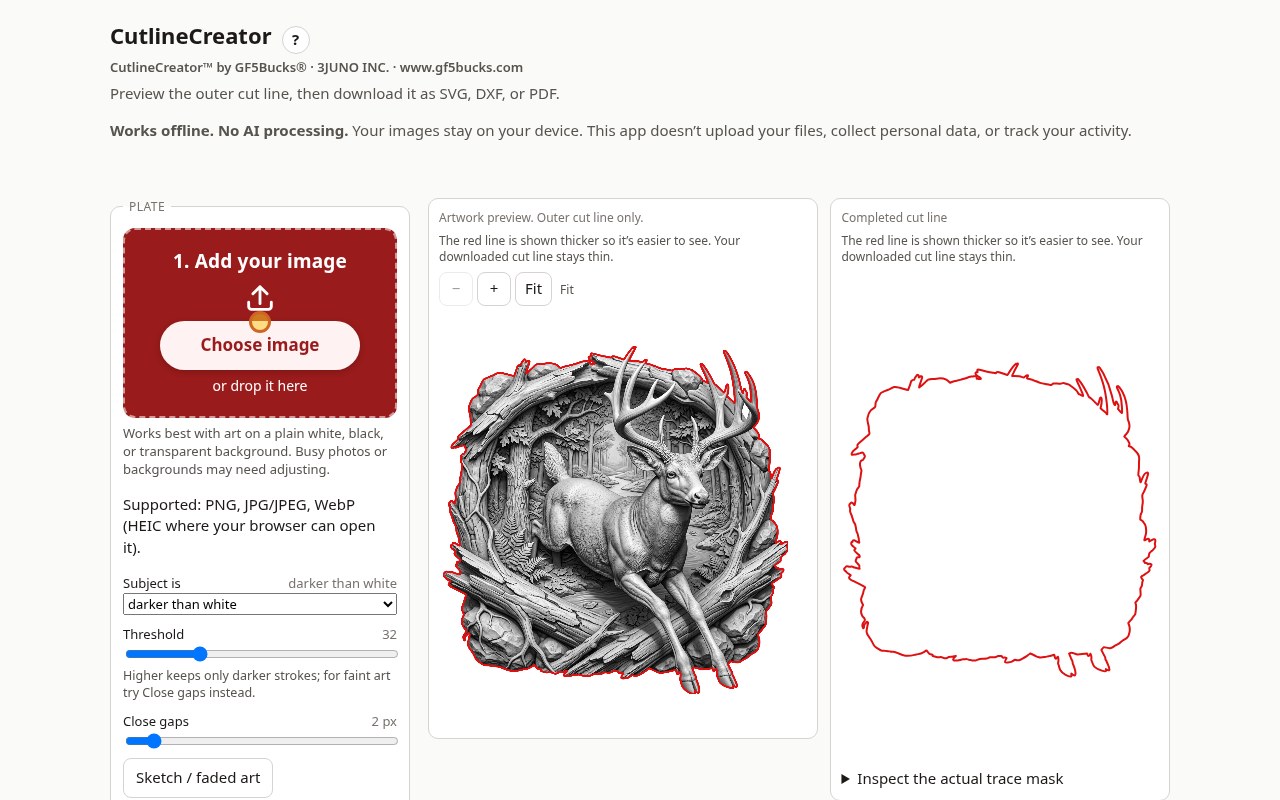
Load one design. Get a clean cut line that hugs the art. Export it. That's it.
Full walkthrough (about 91 sec), recorded in the real app
15-second teaser
What it does
- One design at a time
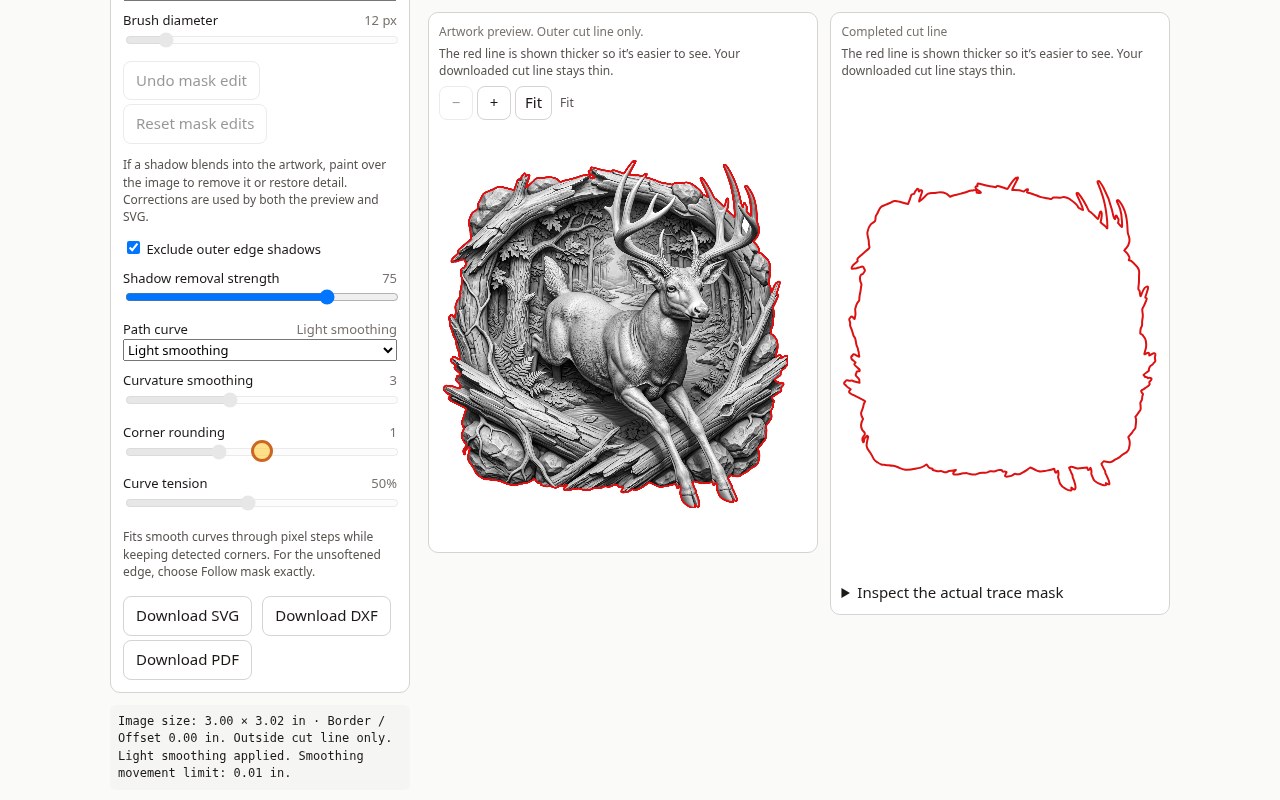
- Clean outer cut line at zero offset (optional border)
- Leaves out drop shadows
- Smooth, adjustable curves
- SVG / DXF / PDF export
- Sketch preset for faded art
Works best on plain white, black or transparent backgrounds. Busy photo backgrounds will not trace cleanly.
CutlineCreator™ Pro
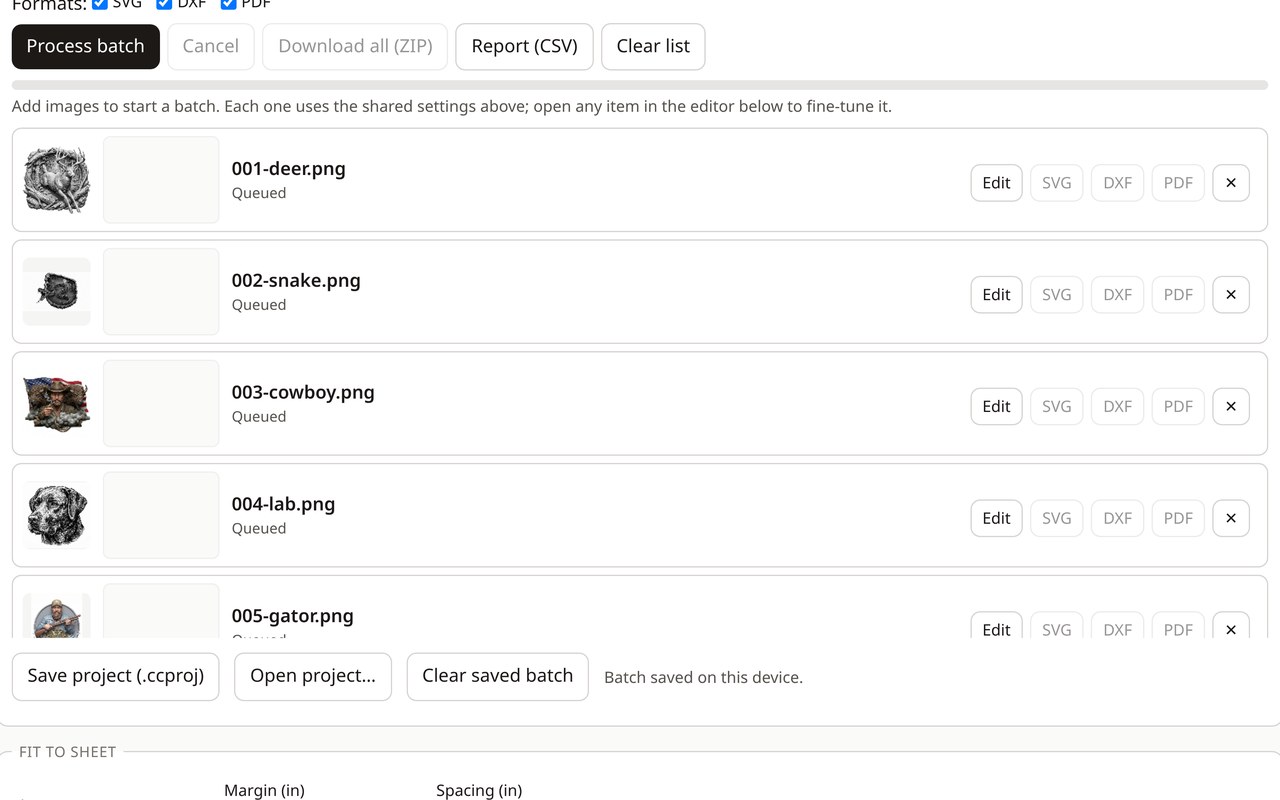
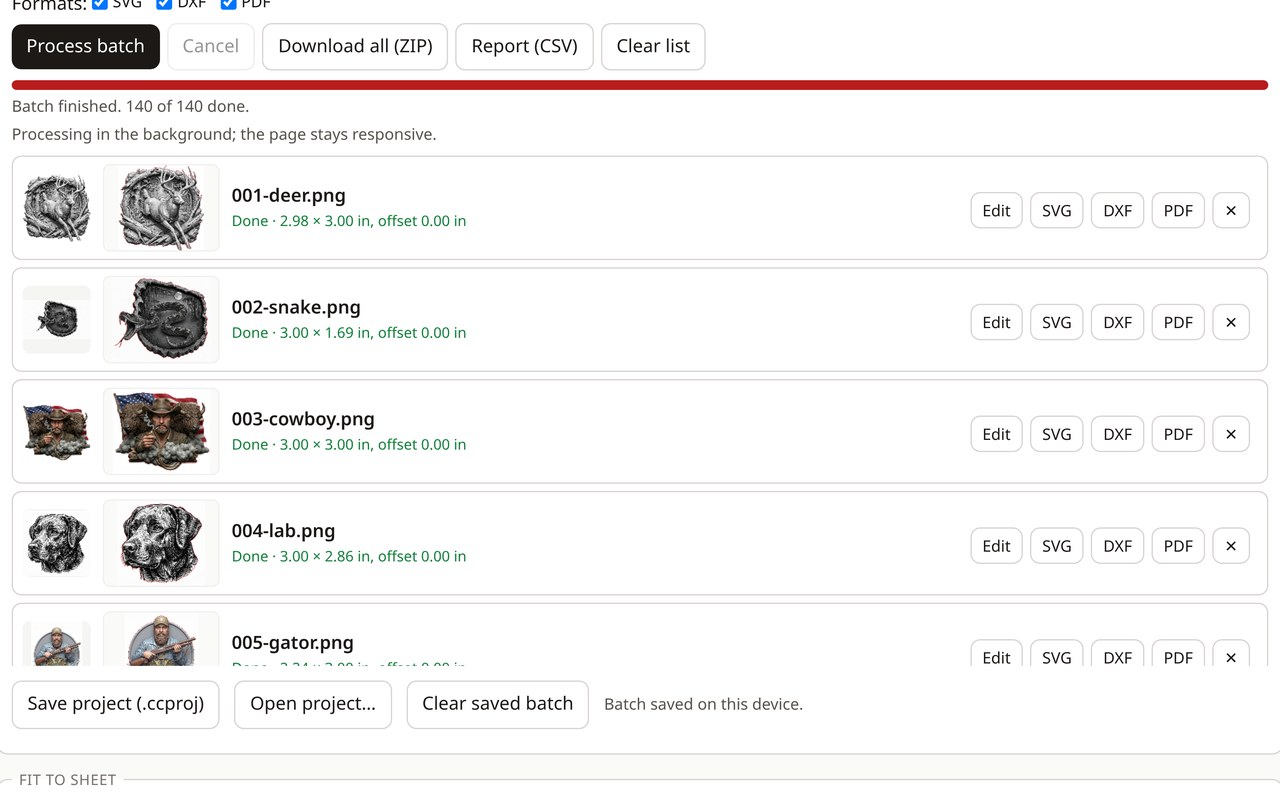
Batch cut lines for laser cutting, stickers & decals. Built for people doing dozens or hundreds of designs.
Full walkthrough (about 106 sec), recorded in the real app. Load 100+ images in one batch
15-second teaser
Everything in Basic, plus
- Batch processing
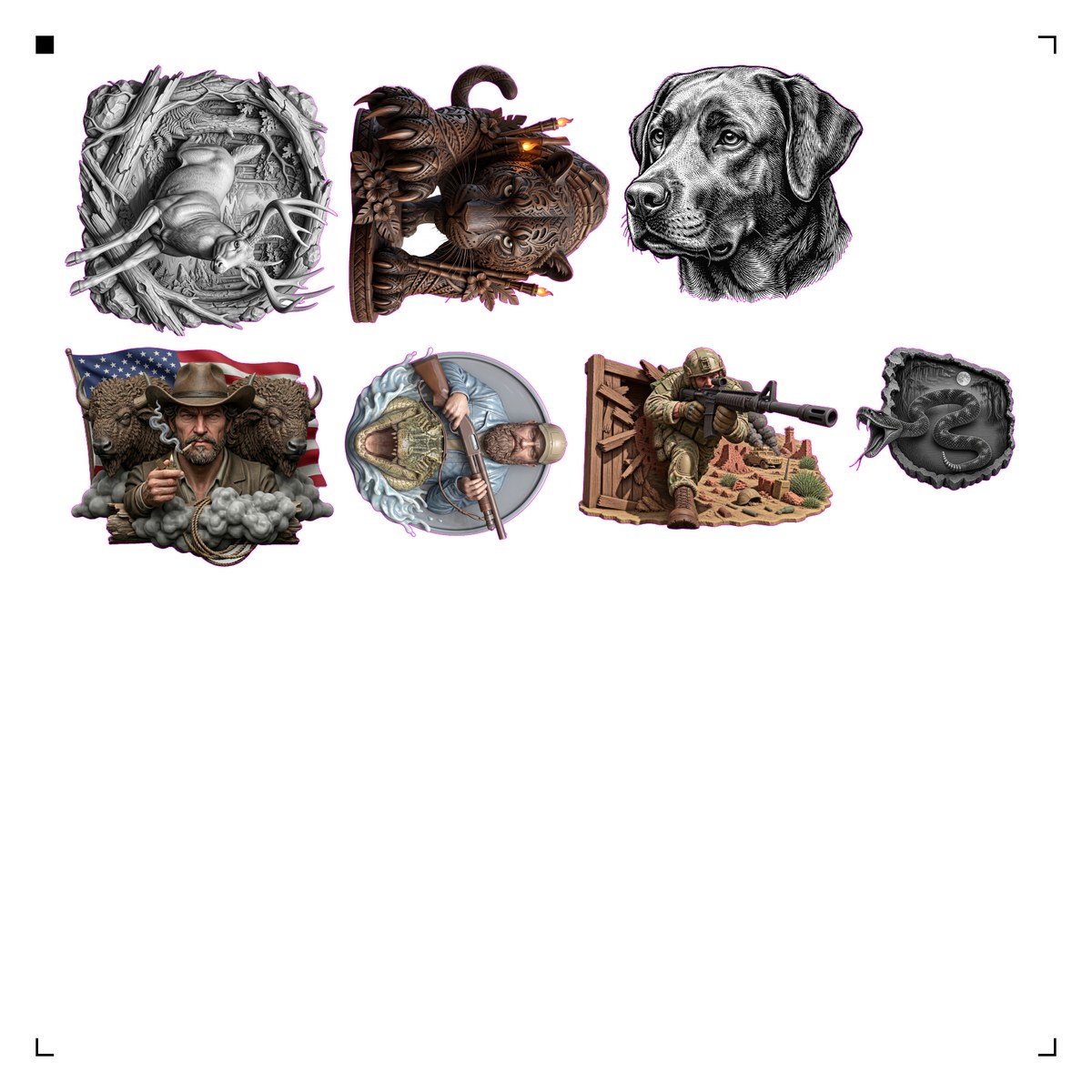
- Fit-to-sheet packing
- Print-then-cut PDF with registration marks
- One-click ZIP export
- Presets and saved projects
- CSV batch report
- Per-design fine-tuning
- Resume a cancelled batch
- Tested with batches of 100+ designs
Basic vs Pro
| Feature | Basic | Pro |
|---|---|---|
| Zero-offset cut line, no drop shadows | ✔ | ✔ |
| SVG / DXF / PDF export | ✔ | ✔ |
| Sketch preset for faded art | ✔ | ✔ |
| Offline, no AI, no subscription | ✔ | ✔ |
| Batch processing (100+ tested) | — | ✔ |
| Fit-to-sheet packing | — | ✔ |
| Print-then-cut PDF with registration marks | — | ✔ |
| One-click ZIP export | — | ✔ |
| Presets & saved projects | — | ✔ |
| CSV batch report | — | ✔ |
| Per-design fine-tuning | — | ✔ |
| Resume a cancelled batch | — | ✔ |